
For parents. Magic for every lost tooth.
Text the Tooth Fairy. She writes right back.
The night a tooth comes out is a small, unrepeatable moment. Wonderline lets you text the Tooth Fairy the second it happens. She replies to your child by name, remembers which tooth it was, and is honestly the most enthusiastic being in the magical world about it. You read the reply at bedtime, and the tooth goes under the pillow with a story attached.
The Tooth Fairy is free to try in the app, with 25 messages and no card required. Texting her from your phone is on the SMS plans.


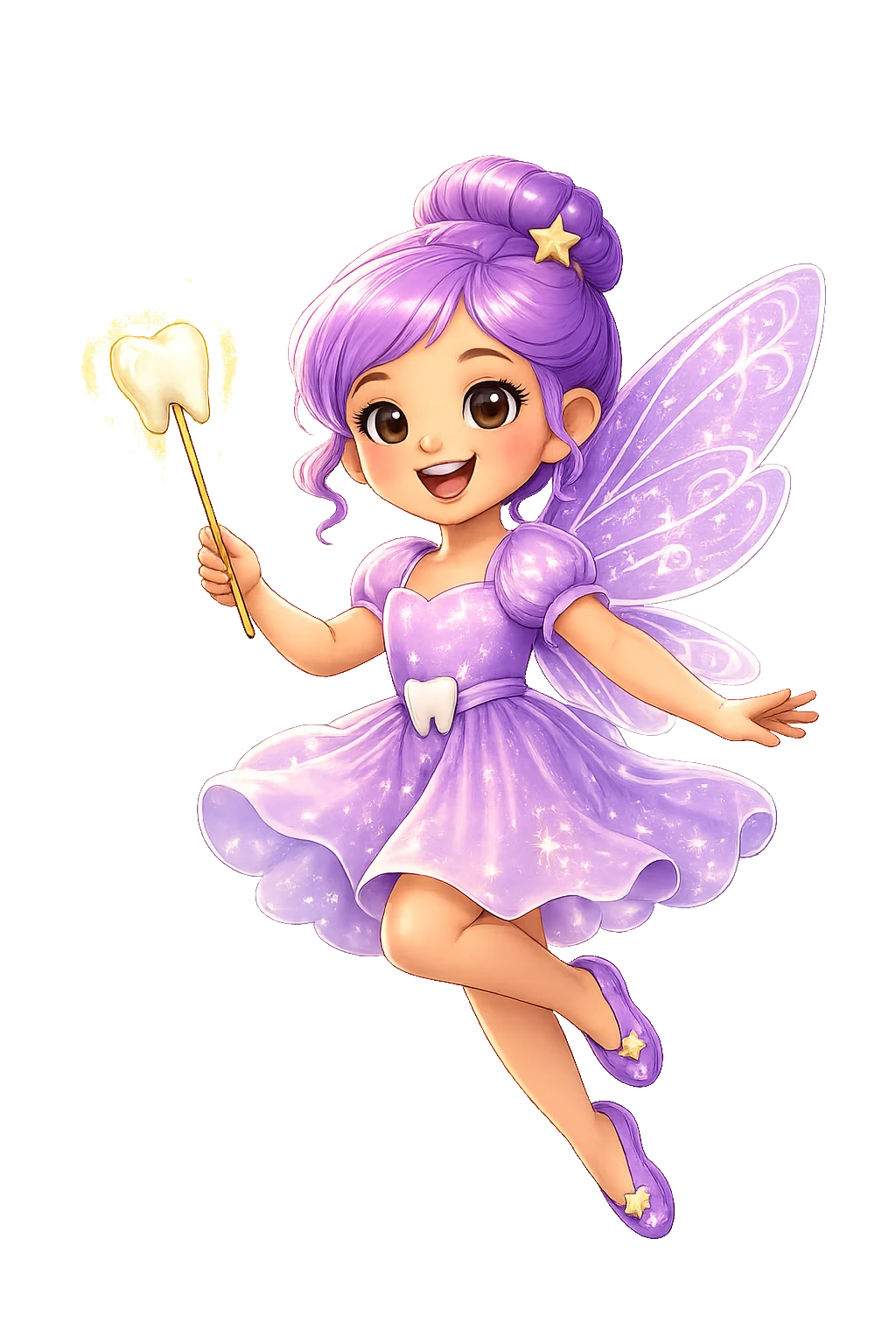 Tooth Fairy
Lily lost her first tooth today at lunch. She is over the moon.
A FIRST tooth?! Slide it under the pillow. Pickup at midnight, not a second late. 🦷
What parents tell the Tooth Fairy
- Lily lost her first tooth today at lunch. She is over the moon.
- Sam's wobbly tooth finally came out. He is a little nervous about tonight.
- Ava lost a tooth at grandma's house and is worried you won't find it there.
Her message back
The Tooth Fairy answers with warmth and a little wonder, sometimes with a detail about her tiny world, always in her own voice. If your child is nervous, she reassures. If they are proud, she is prouder.
On a texting plan, the Tooth Fairy has a real phone number. Save it as a contact and the whole conversation happens in your phone’s Messages app, alongside your other texts. US and Canada numbers.
A voice message from the Tooth Fairy
Under any of her replies, tap “Ask the Tooth Fairy to record this” and she reads it aloud in her own voice, with your child's name in it. Recordings come with every paid plan, and on All-Access you write the exact words for her to say.
She remembers every tooth
Tell her a tooth came out and she writes it in her Tooth Ledger, so the next tooth gets a reply that knows about the last one. You can print a tooth certificate from your child's page, and on a paid plan she leaves a note the morning after.
How it works
Add your child
A first name, an age and what they love. Two minutes, once. Their details are never sold or shared with advertisers.
Send an update
Type it in the app, or on a texting plan send it from your phone's own Messages app to a real phone number.
Read the reply together
A warm, personal reply that knows your child by name arrives in minutes. Read it aloud, put it on the fridge, or play it in Santa's voice.
Questions parents ask
- Can you text the Tooth Fairy?
- Yes. Send her a message in the Wonderline app as soon as a tooth comes out, and her reply comes back within minutes, written to your child by name. On a texting plan she has her own phone number, so you can text her from your phone's Messages app in the US and Canada.
- Can I text the Tooth Fairy for free?
- You can try her free in the Wonderline app. The free plan's 25 messages can all go to her, no card required. Every yearly plan, from $9.99 a year, keeps her writing back about every tooth, and texting her from your own phone comes with the SMS Parent and All-Access plans.
- Can I get a voice message from the Tooth Fairy?
- Yes. In the Wonderline app, tap "Ask the Tooth Fairy to record this" under any of her replies and she reads it in her own voice, with your child's name. Recordings are included with every paid plan, and on All-Access you can write the exact words for her to say.
- What if the tooth got lost or swallowed?
- Tell her. She has heard every version and has a gentle answer for each one, so the magic survives a tooth that went down with a sandwich.
- Does she remember earlier teeth?
- She does. She keeps a Tooth Ledger for each child: tell her a tooth came out and she writes it in, so the second tooth gets a reply that knows about the first. You can see the ledger, and print a tooth certificate, on your child's page.
- Can my child message the Tooth Fairy themselves?
- Yes, with Kid Mode on a paid plan. You turn it on and stay nearby, and your child gets a chat of their own with her. You can read every message, and only a grown-up can leave Kid Mode.
From the guides
Meet the rest of the crew
 Santa ClausText Santa. He texts back.
 Easter BunnyMessage the Easter Bunny.
 Birthday ElfTheir own Birthday Elf, every year.